Read-only by design
Connections are for synchronized research context, not orders, transfers, withdrawals, margin, or derivatives.
THE ECHO / 2.14-INCH DESK MARKET DEVICE
The ECHO condenses important changes from stocks, digital assets, precious metals, AI Quant, and connected research sources into a 2.14-inch circular display. Notice the state at a glance, then open the workspace when it needs evidence.

MULTI-MARKET PRODUCT VIEWS
Move through nine distinct product photographs: three verified market screens, two research environments, true scale, enclosure, and material detail.

The compact hardware stays visible without adding another full-size dashboard to the desk.
01 / 09
CONNECTED RESEARCH
The ECHO can surface the health and latest synchronized state of supported accounts, wallets, exchanges, and research sources. The connection boundary remains visible.
Connections are for synchronized research context, not orders, transfers, withdrawals, margin, or derivatives.
Healthy, delayed, expired, and failed synchronization states remain explicit instead of silently falling back.
The circular device shows the state; account controls, charts, news, and evidence remain in the authenticated workspace.
AI Quant Research
The desk device keeps market status visible. When a strategy needs evidence, use AI Quant for controlled backtests, data-quality checks, risk metrics, and a report tied to the tested snapshot.
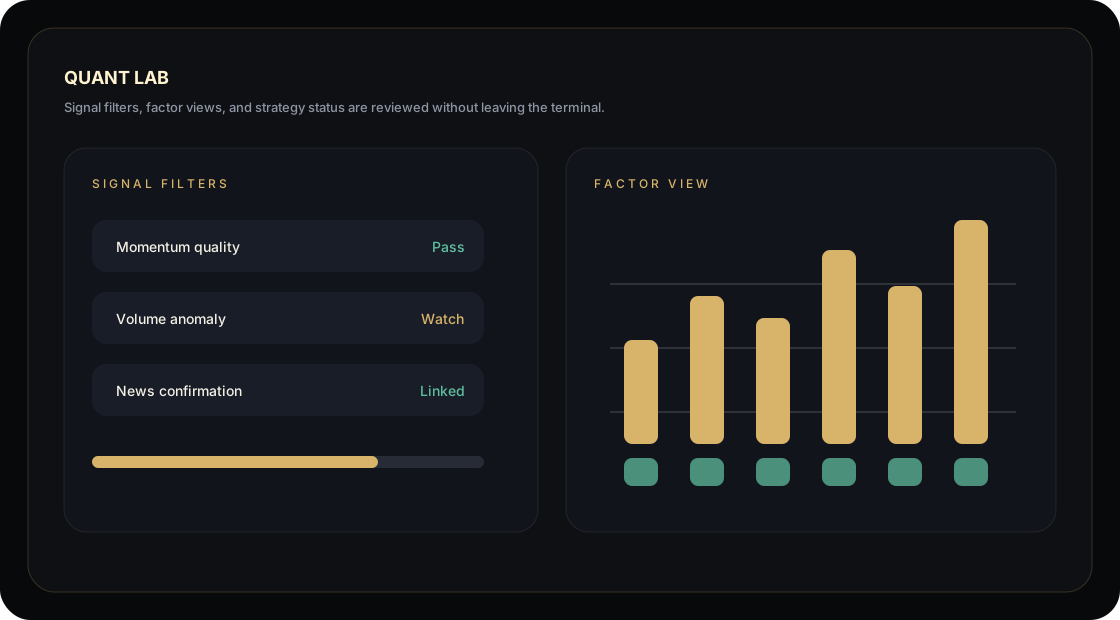
Controlled SMA/RSI templates only
quality_failed blocks Vibe calls
CN/HK qfq, US total_return
Run, provider and admin actions are recorded
AI Quant reports are research aids only. They are not investment advice, automated trading, or a guarantee of future returns.
SCALE AND CONSTRUCTION
The circular body occupies a desk position rather than another monitor. Its glass, enclosure, and stand are designed to remain quiet beside the tools already in use.

The active display is 54.4 mm; surrounding objects make the 65-75 mm enclosure scale clear.
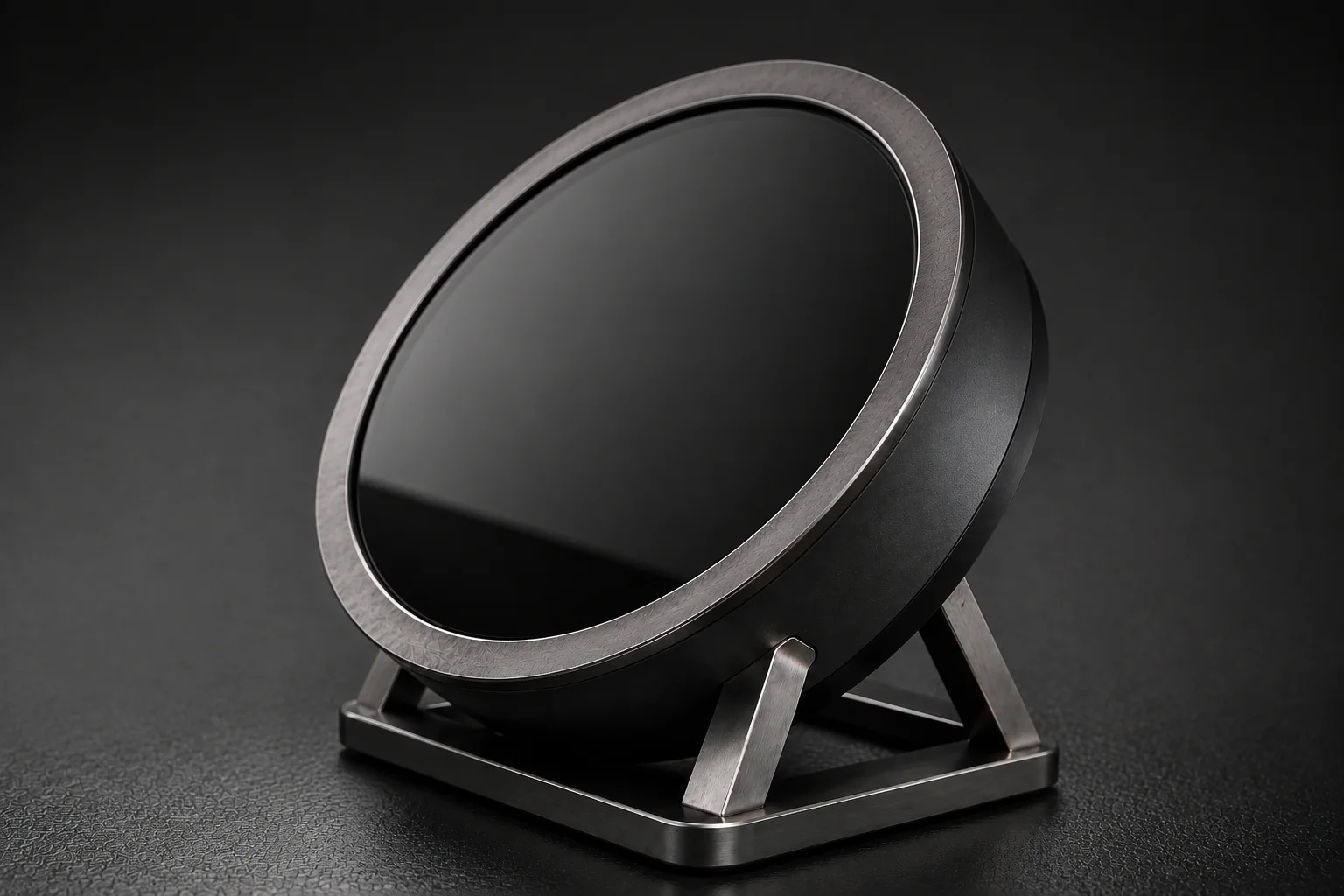
Anti-glare glass, graphite metal, and a compact stand keep the object legible without becoming decorative clutter.
FULL RESEARCH WORKSPACE
Use the device for concise state awareness, then move into the web workspace for charts, news, financial context, watchlists, connection controls, and quality-gated backtests.
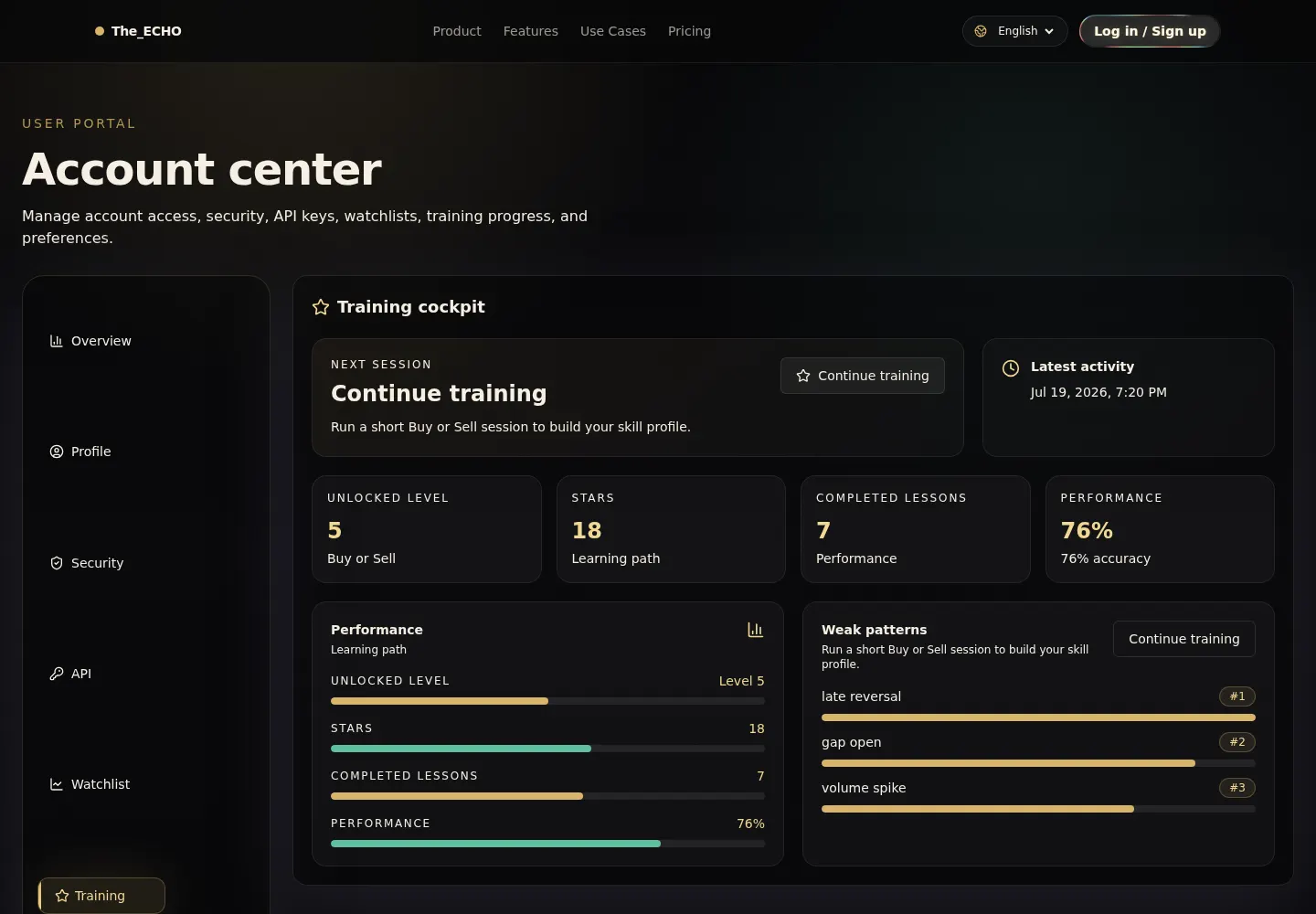
Market state, watchlist changes, actions and account boundaries in one opening view.
WHY IT STAYS ON THE DESK
DATA AND PRODUCT BOUNDARY
The ECHO does not place orders, move funds, promise investment outcomes, or turn a backtest into a forecast. Market data can be delayed, connections can fail, and AI Quant remains fail-closed when required evidence is incomplete.
SEE THE PRODUCT
Request a walkthrough to see supported markets, connection boundaries, and the current AI Quant workflow.